
Knowledge base overview
Costello learns about your business from the content you add to its knowledge base. The more accurate and detailed your knowledge base, the better Costello's replies will be.
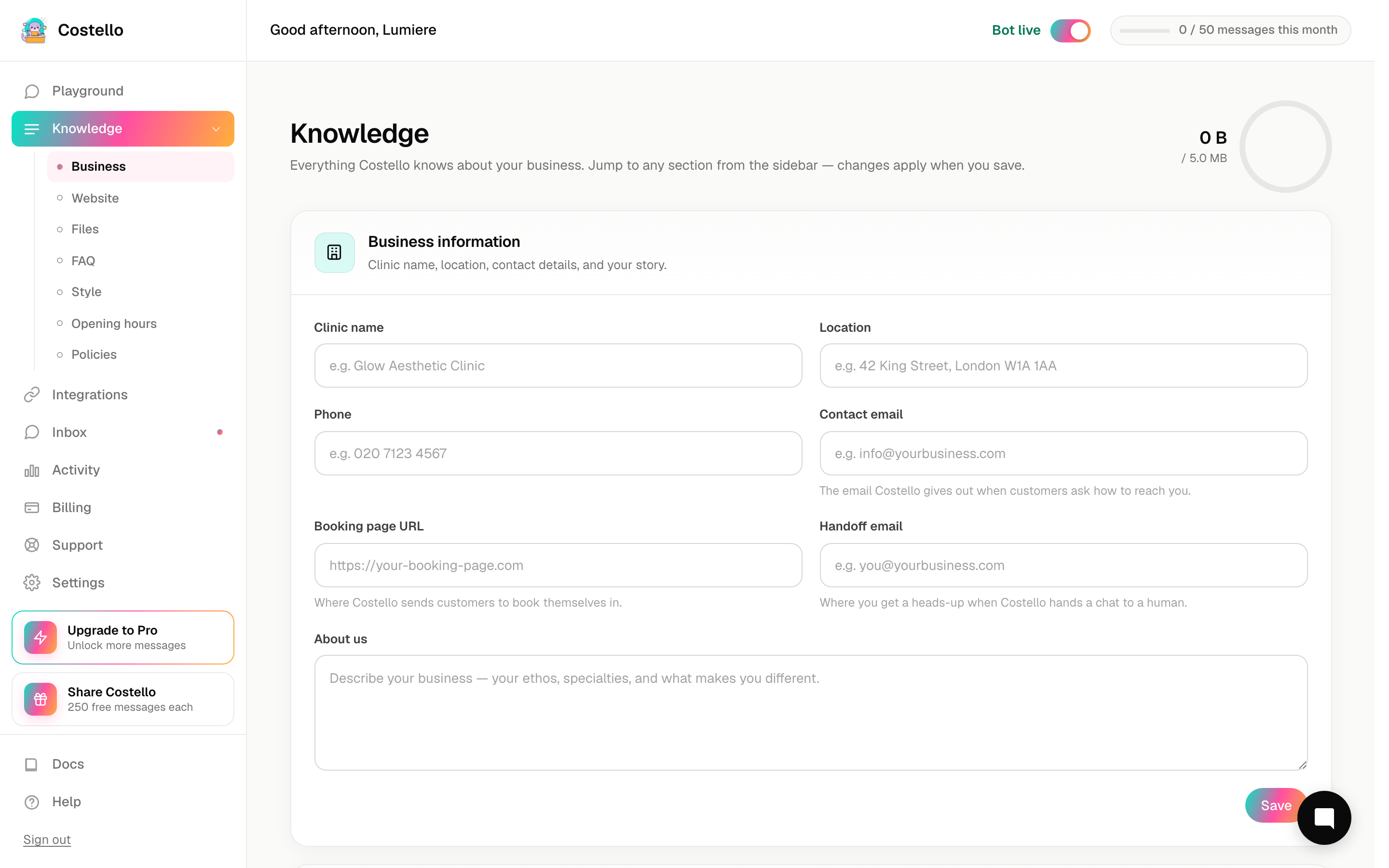
There are four ways to add content:
Most businesses use a mix of all four. A typical setup:
- Run a website crawl to pull in the basics.
- Upload a treatment menu PDF for detailed pricing and contraindications.
- Add FAQ pairs for anything the crawl missed or got wrong.
- Fill in structured opening hours and services so the AI always gives accurate availability.
How retraining works
Every time you add, edit, or remove a knowledge base source, Costello queues a retrain. The AI uses the updated knowledge within a few minutes. You'll see a "Processing…" badge in the dashboard while it processes.
See auto-retrain → for details on timing and manual triggers.
What Costello does with the knowledge
The knowledge base feeds a retrieval system that finds the most relevant content when a customer asks a question. Costello doesn't repeat your knowledge base word-for-word. It uses it to write natural-sounding replies in its own voice.
This means:
- Accurate facts matter. If your menu says a facial is £60 but the actual price is £75, Costello will quote £60.
- Gaps cause "I don't know" replies. If a customer asks about a treatment not in the knowledge base, Costello will say it doesn't have that information and suggest they call. See Bot keeps saying "I don't know" → for how to fix this.
- Contradictions cause inconsistency. If one source says you're open on Sundays and another says you're not, Costello will sometimes give different answers. Keep your sources consistent.